Frequently asked questions
What is the EmpCo Directive?
It is Directive (EU) 2024/825, known as EmpCo («Empowering Consumers for the Green Transition»). It changes EU consumer law in two ways: before buying, your customer has to know what guarantee they have, how long they will get updates and whether the product can be repaired; and environmental claims without proof, such as «climate neutral», are banned. In your shop it shows up as the guarantee notice, the GARAN label and the information on software updates and repair.
When does the EmpCo Directive apply?
Since 27 September 2026 in Germany and Italy, and in Austria for contracts from that day. France and Spain have not yet written it into their law; it will apply there once they do, because a directive only binds a shop once its own country has transposed it. If your shop targets customers in Germany, Austria or Italy, their law applies to those orders wherever you are based.
Does the module comply with the EmpCo Directive?
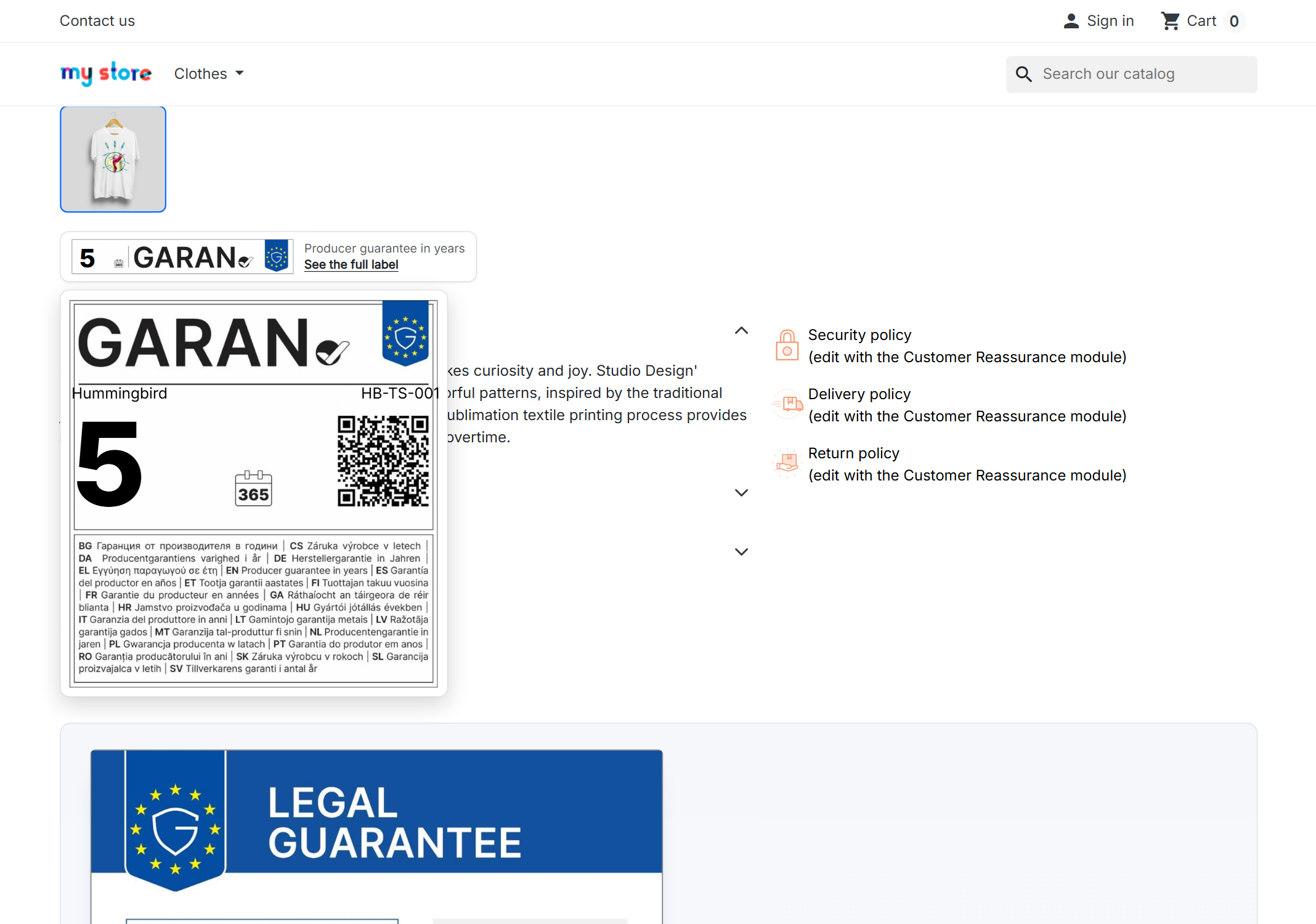
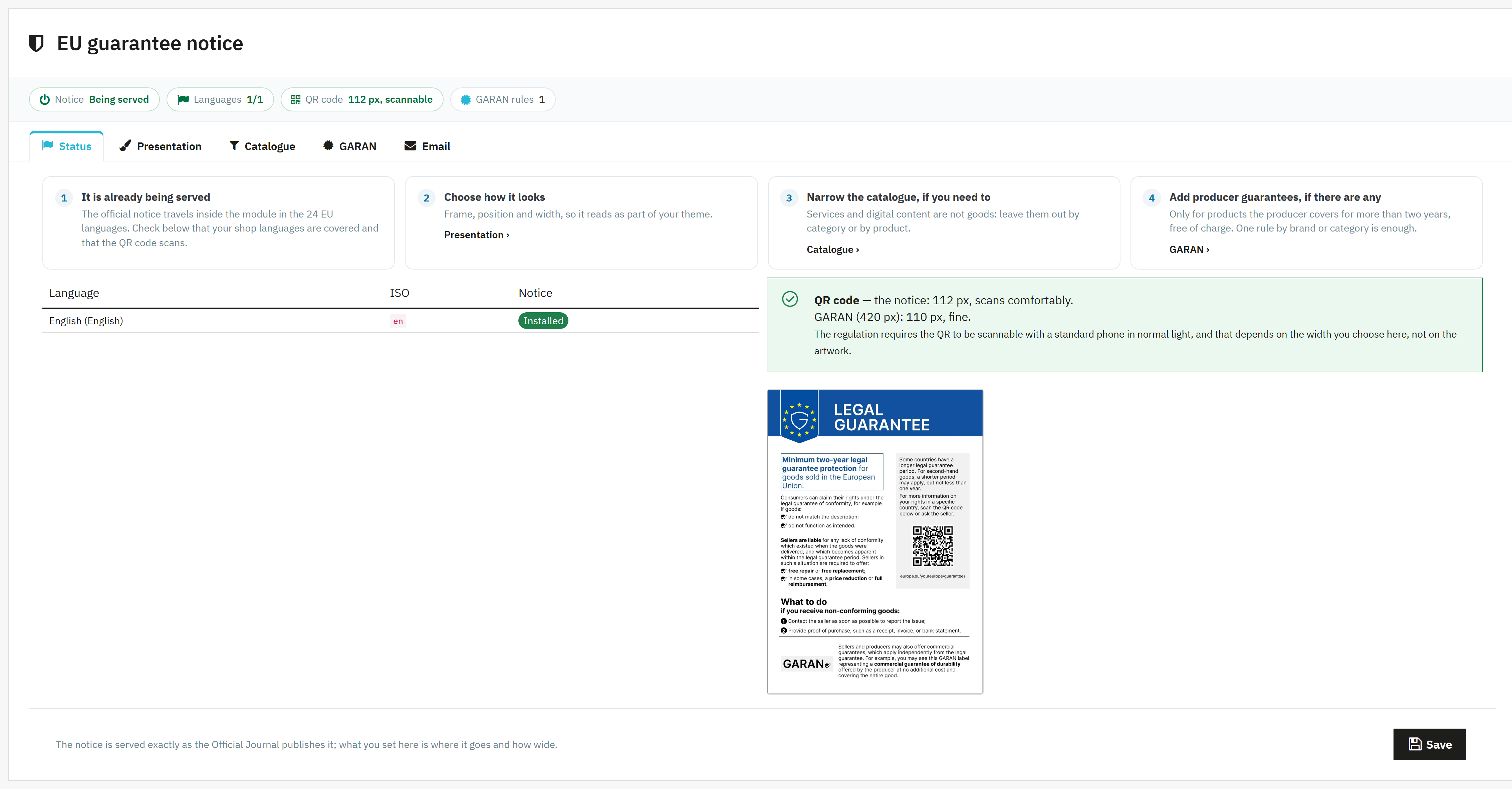
For everything that has to be seen in the shop, yes: it shows the guarantee notice, the GARAN label on the product page and right before the order button (at the top of the payment step with the PrestaShop 1.7 default theme), the manufacturer’s information on software updates and repair on the product page, and all of it again in the order email. Two things stay with you: what you enter, because the module shows the information exactly as you copy it from the manufacturer, and your own advertising. «Eco-friendly» or «climate neutral» without proof is banned by the same directive, and no module can check that for you.
When does the guarantee notice become mandatory in an online shop?
Since 27 September 2026 in Germany, Austria and Italy, where the EmpCo Directive it comes from already applies; in France and Spain, once they write it into their law. Its design is set by Implementing Regulation (EU) 2025/1960. It applies to any shop selling goods to consumers, including those selling through marketplaces and those selling second-hand.
Does it apply in Ireland and the UK?
In Ireland, yes: the European Union (Empowering Consumers for the Green Transition) Regulations 2026, S.I. No. 124 of 2026, wrote the harmonised notice and the GARAN label into the Consumer Rights Act 2022, and they have applied since 27 September 2026. In the United Kingdom, no: it is EU law, and a British shop selling to British customers does not show it. If you sell from the UK to consumers in Ireland or elsewhere in the EU, those orders follow their law, and the notice goes on your product pages.
Do I have to show it on every product, or once on the website?
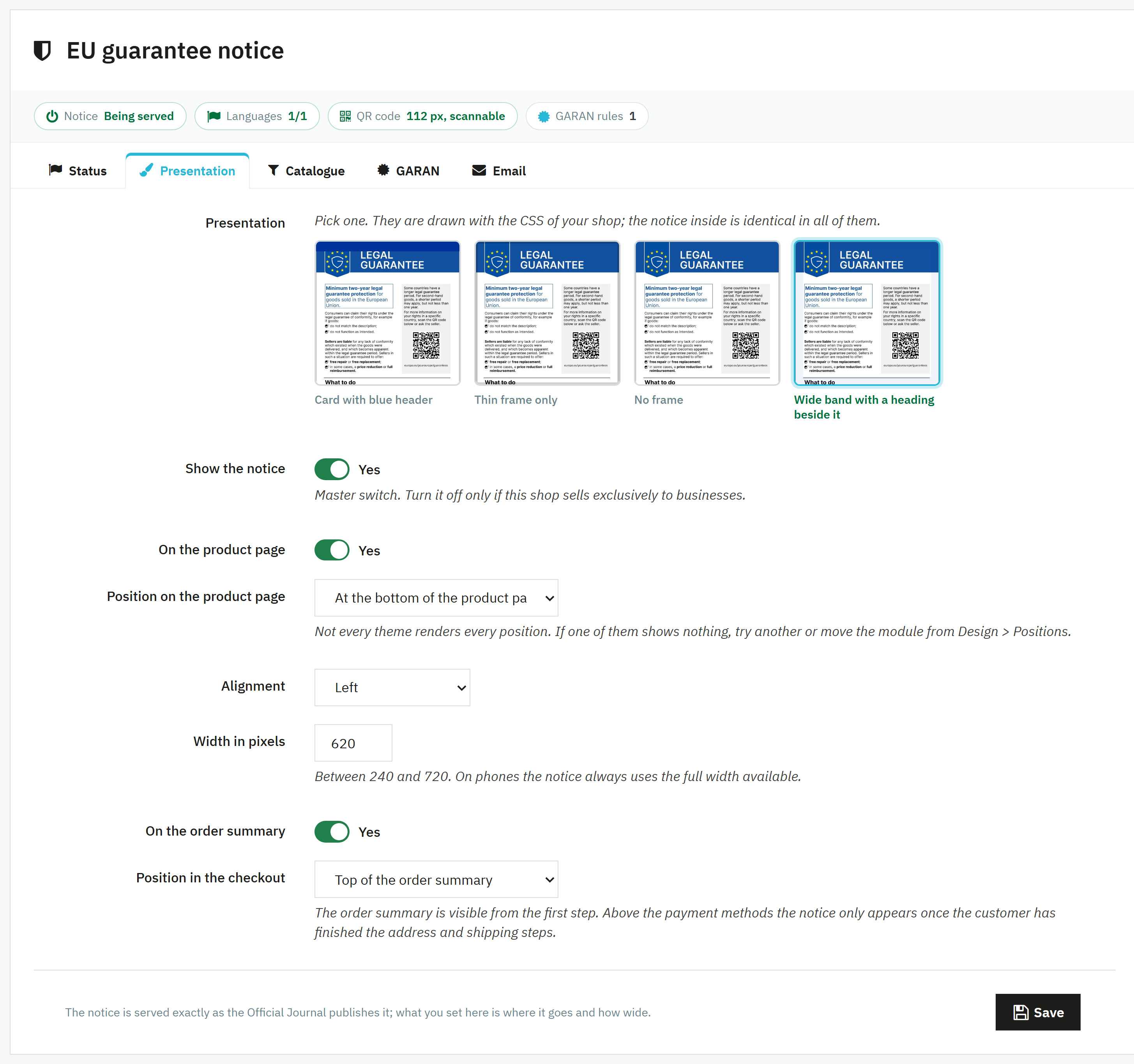
It is pre-contractual information, so it goes where the offer is presented: the product page. Putting it only in the footer or inside your terms of sale is not enough. The module places it on the product page and repeats it in the order summary.
Can I put it in a tab or an accordion so it takes less room?
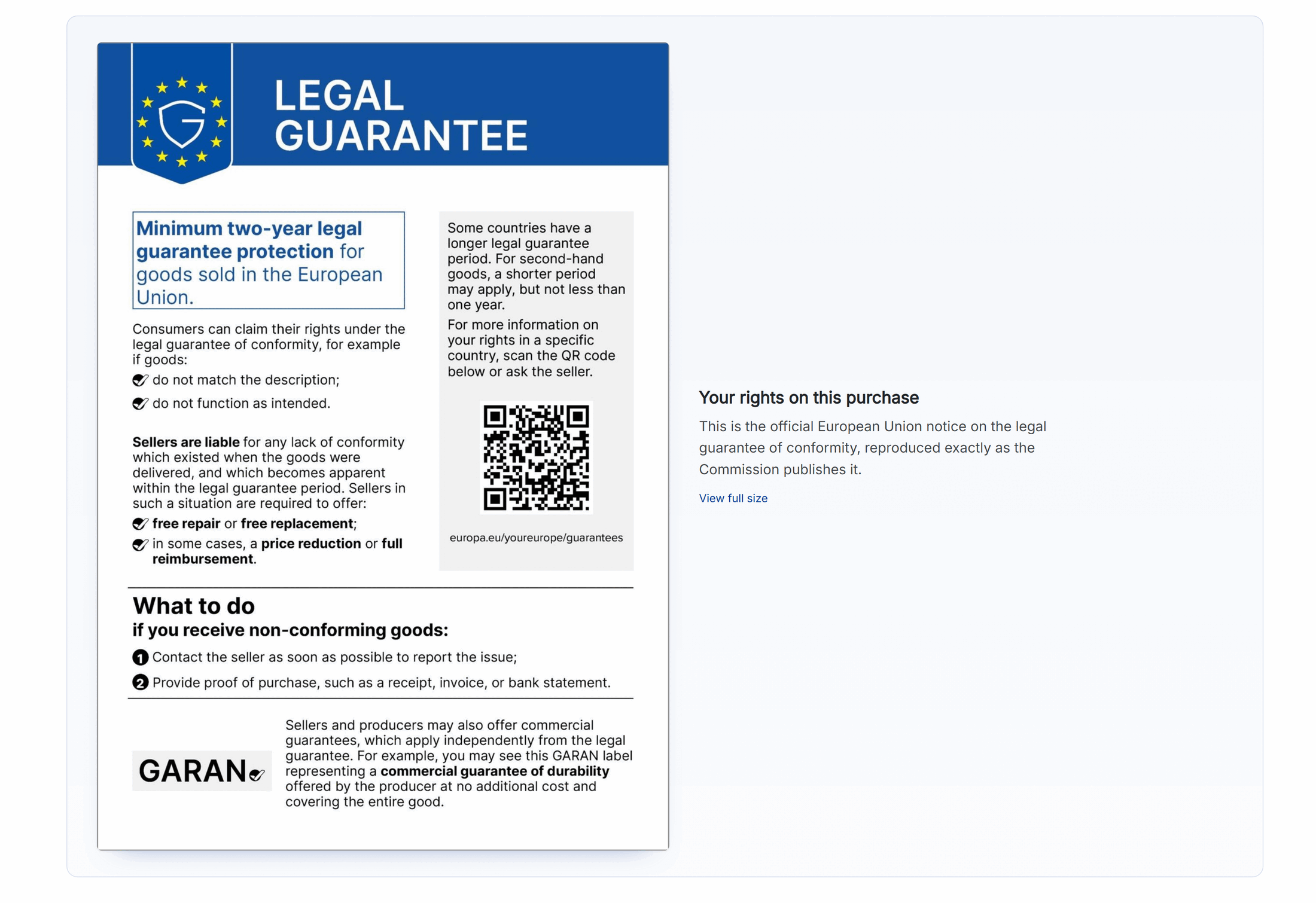
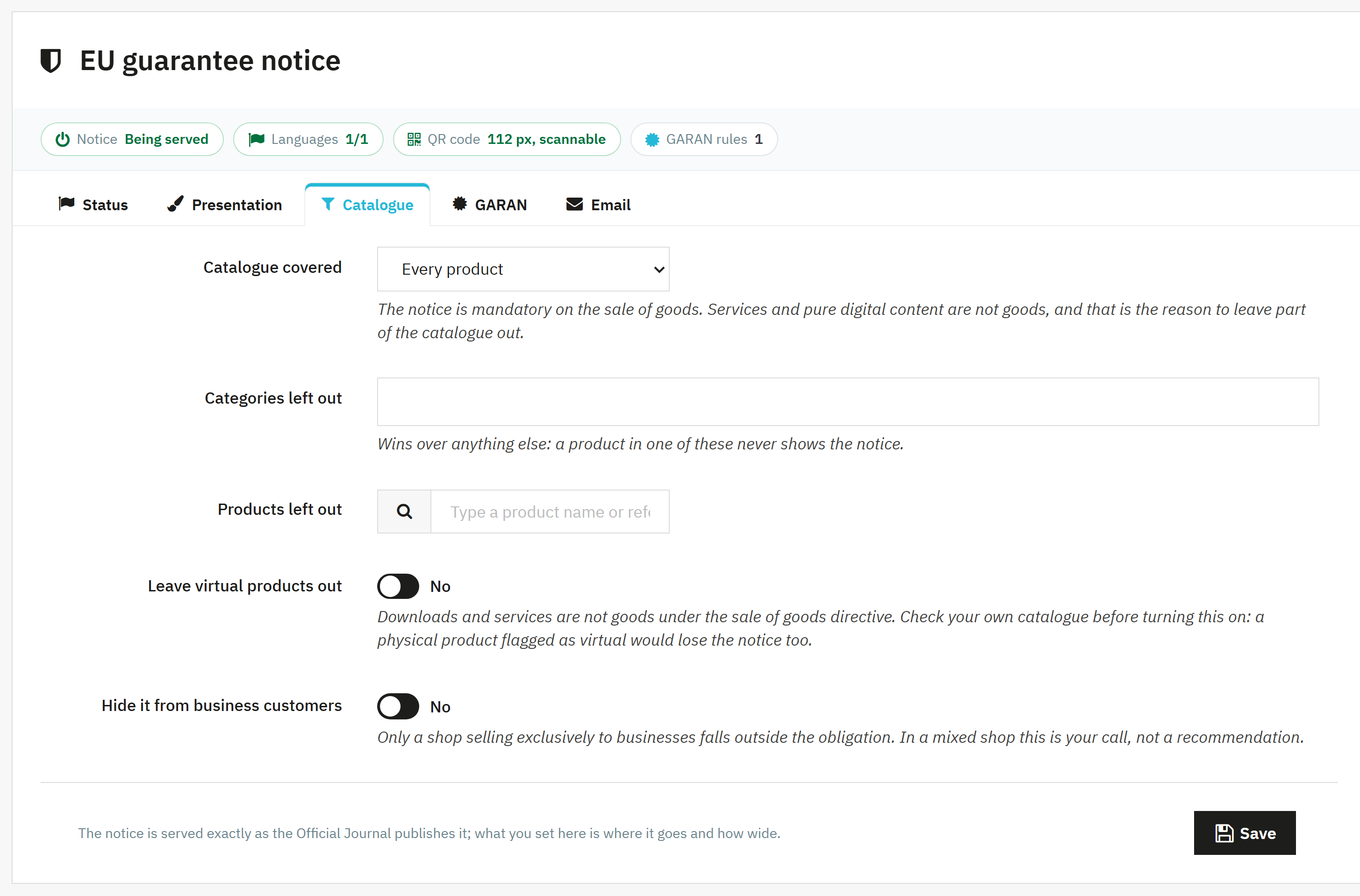
No. The regulation grants nested display to the GARAN label only; for the notice it says nothing, and specialist law firms agree it must be embedded as a direct graphic, not hidden behind tabs, accordions or links. That is why the module does not offer the option: it would be selling non-compliance dressed up as a feature. What you do choose is the place and the frame.
In Spain the legal guarantee is three years. Why does the notice say two?
Because the notice is a single document for the whole Union and may not be edited. Inside it there is a box warning that some countries have a longer period, and the QR code leads to each country's section on the Your Europe portal. Writing «3 years» over it would be editing it, which is exactly what the regulation forbids.
My shop only sells to businesses. Does this apply to me?
A shop selling exclusively to businesses falls outside the obligation. A mixed shop is B2C and everything applies. The module ships a master switch for the first case and another to hide it from specific customer groups in the second, though that second decision is yours and not a recommendation from us.
What is the GARAN label and when do I have to show it?
Only when the producer offers a commercial durability guarantee at no extra cost, covering the whole product, lasting more than two years, and has made that information available to you. A commercial guarantee of your own is not GARAN. If you have none, you show nothing and you still comply.
What happens if I do not show it?
In Germany, a competitor or an association can send you an Abmahnung, a formal legal warning, for the missing information. And what you do show binds you: in Germany and Austria it becomes part of the contract (§ 312d Abs. 1 Satz 2 BGB, § 4 Abs. 4 FAGG), so use the manufacturer’s information as given.
Does the GARAN label have to be right before the order button?
Yes: of everything new, it is the only piece that has to be highlighted immediately before the order (§ 312j Abs. 2 BGB; in Austria § 8 Abs. 1 FAGG; in Italy art. 51 c.2 Codice del consumo). Updates and repair go on the product page and in the confirmation. The module puts the label above the order button, folded and in full on the first click.
Do I have to show how long a product gets software updates?
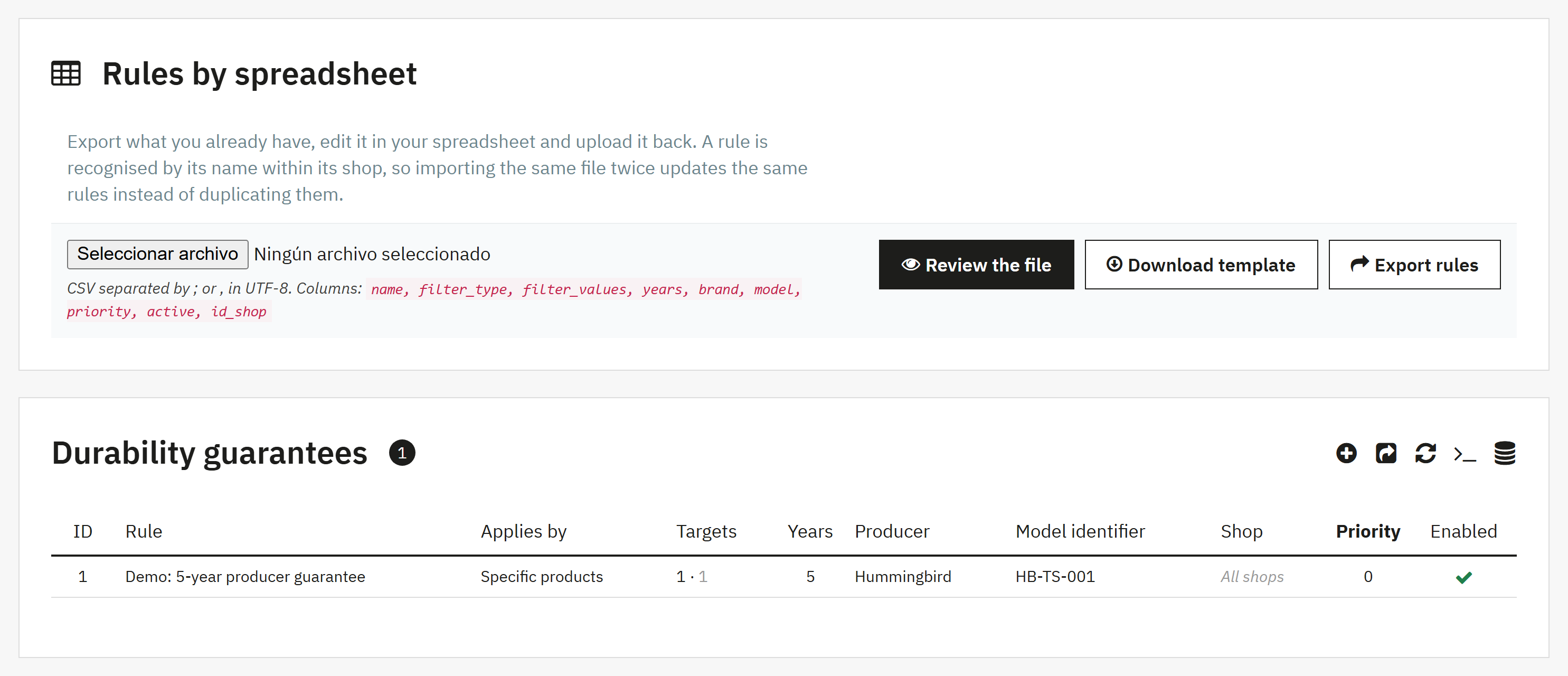
Yes, if you sell devices with software, digital content or digital services and the manufacturer gives you the period. It goes on the product page and in the order confirmation, as a period or as a date. In the module you enter it once for the whole brand and change it only on the model that needs it.
What if the manufacturer gives me no spare parts or repair information?
Then you do not have to show anything: the law only asks for what the manufacturer makes available. You say so in the module and nothing shows in the shop. One caveat: if it is on the manufacturer’s website, it is hard to argue it was not available.
Do I have to show a repairability score?
Only for smartphones and tablets: today the only EU-wide score is the A to E repairability class on their energy label (Delegated Regulation (EU) 2023/1669). The French index does not count here. For everything else you give spare parts and repair details, if the manufacturer provides them.
Will it break my customised email templates?
No. The module replaces no template and installs none of its own. It adds its block inside the body of the order confirmation email — that one only — with inline styles, capped to its own width and depending on no class of your template. The attachment is added to whatever was already travelling, so your invoice still arrives.
Does it work on PrestaShop 8 and 9?
Yes, and on 1.7.5, 1.7.6, 1.7.7 and 1.7.8 too. It has been tested version by version on real installations of 1.7.5.2, 1.7.8.10, 8.1.4, 8.1.5 and 9.0.1. On 1.7.5 the module works the same, but its interface texts appear in English because that version does not load module translations.