Geolokace pro PrestaShop: ceny, měna a jazyk podle země
Každý návštěvník automaticky přijde do jazyka, měny a cen své země. Pravidla podle zemí, přepínač s vlajkami a…
- PrestaShop
- 1.7.5–1.7.8
- 8
- 9
Vyzkoušejte si ho před nákupem Živé demo s nainstalovaným modulem
Máte dotaz před nákupem? Napište nám, jaký máte obchod, a odpovíme do 24 hodin.
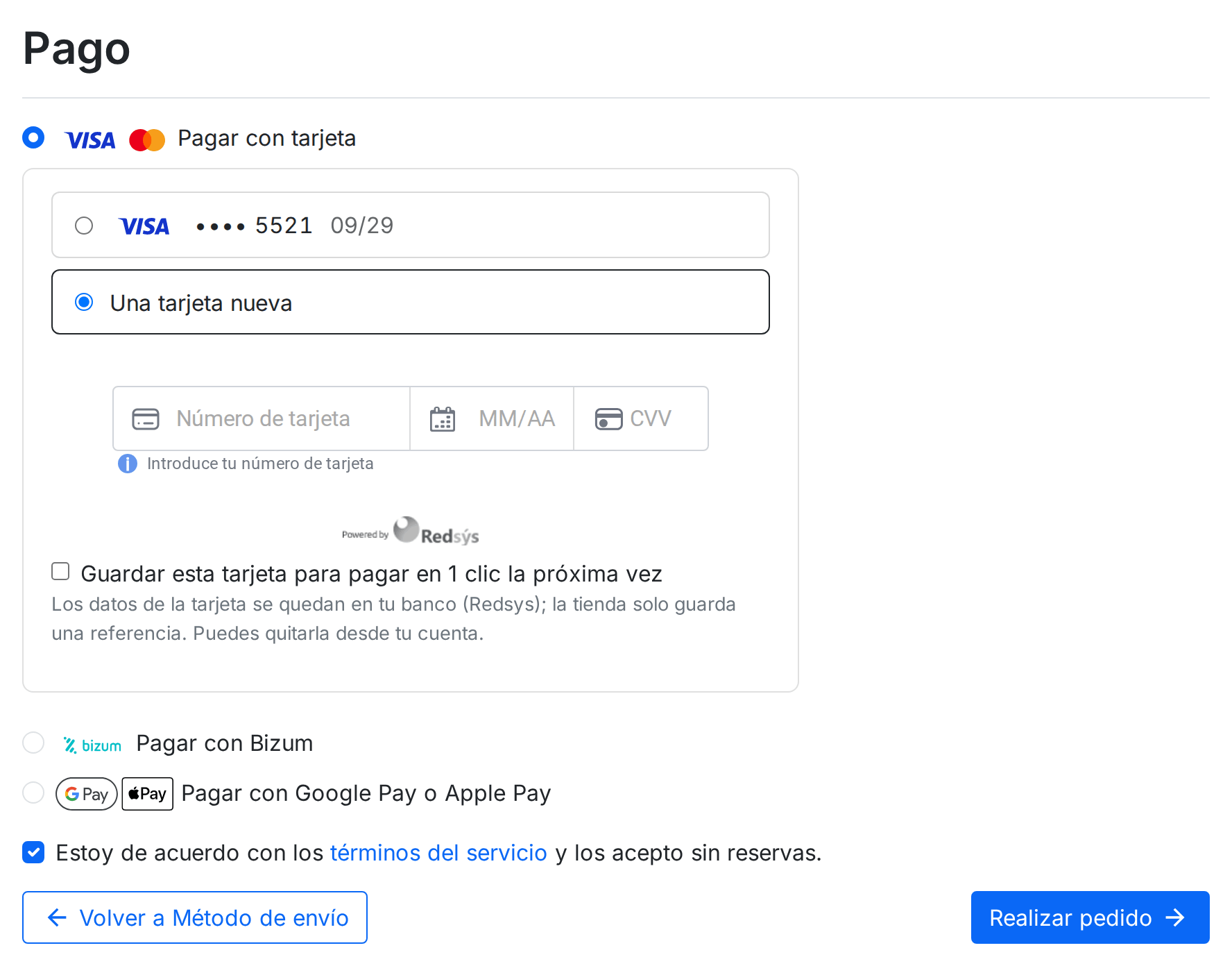
Zeptejte se násTake card, Bizum, Google Pay and Apple Pay payments through your Redsys virtual POS, without your customer leaving your shop. Redsys is the payment gateway behind the virtual POS that Spanish banks give their merchants. In the payment step, your customer sees every method your bank has switched on, each with its official logo: card, Bizum, Google Pay and Apple Pay, and PayPal. Each one appears only once, even if two POS terminals can charge it, and with the name you want to give it in each language.

If your bank gives you one POS for cards and another for Bizum, your customer doesn't see “Pay by card” twice. The module picks which POS charges each method by the order you give them, and if one of them will never get to charge anything because another one higher up already does, the list tells you.
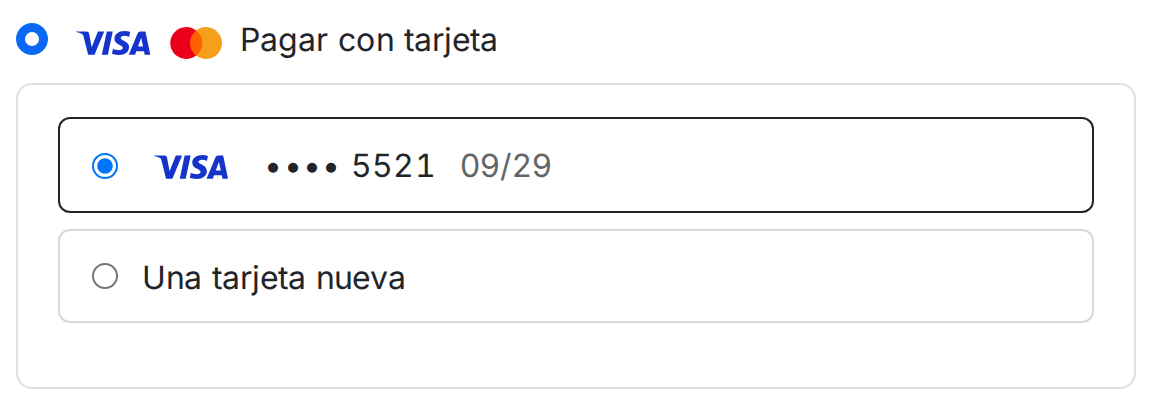
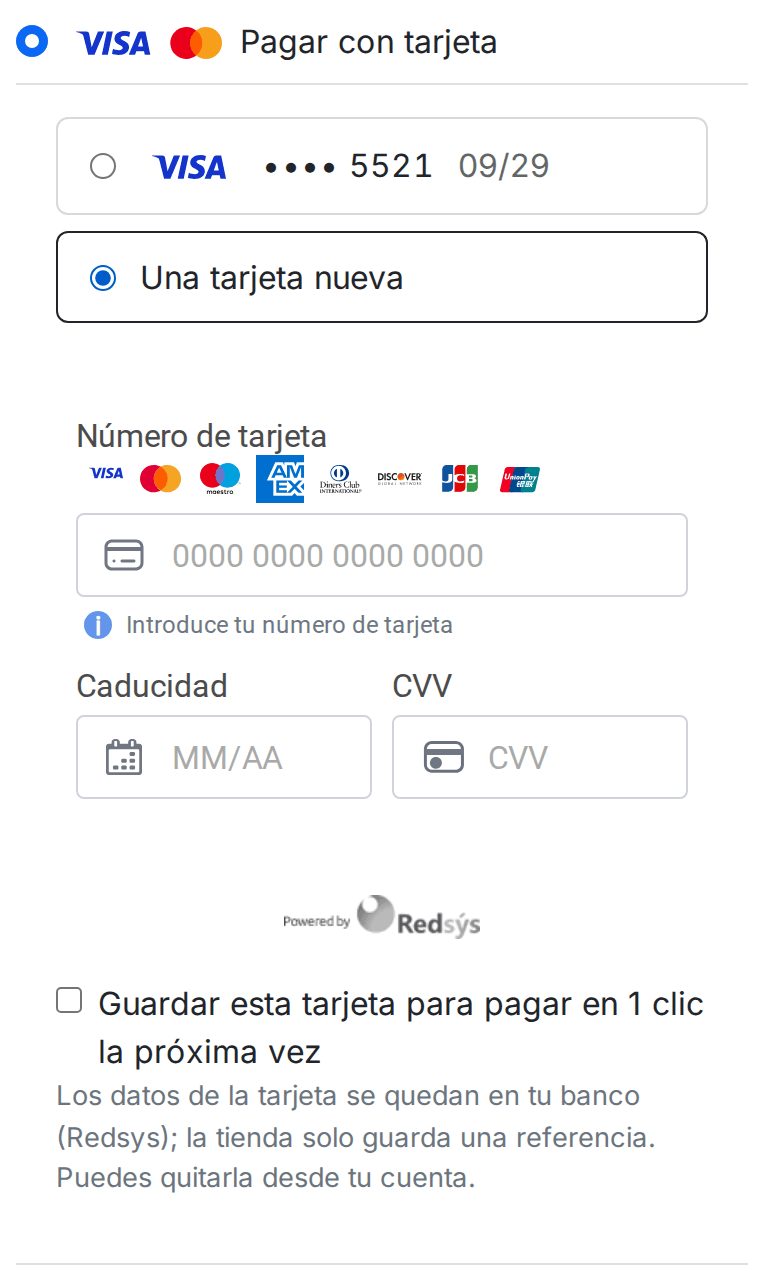
With payment in your shop (what Redsys calls InSite), your customer types their card on your own page, with your header and footer, and never jumps to the bank's page. The card details go straight from their browser to Redsys: your shop never sees them. If their bank asks them to confirm the payment, the check opens right there.


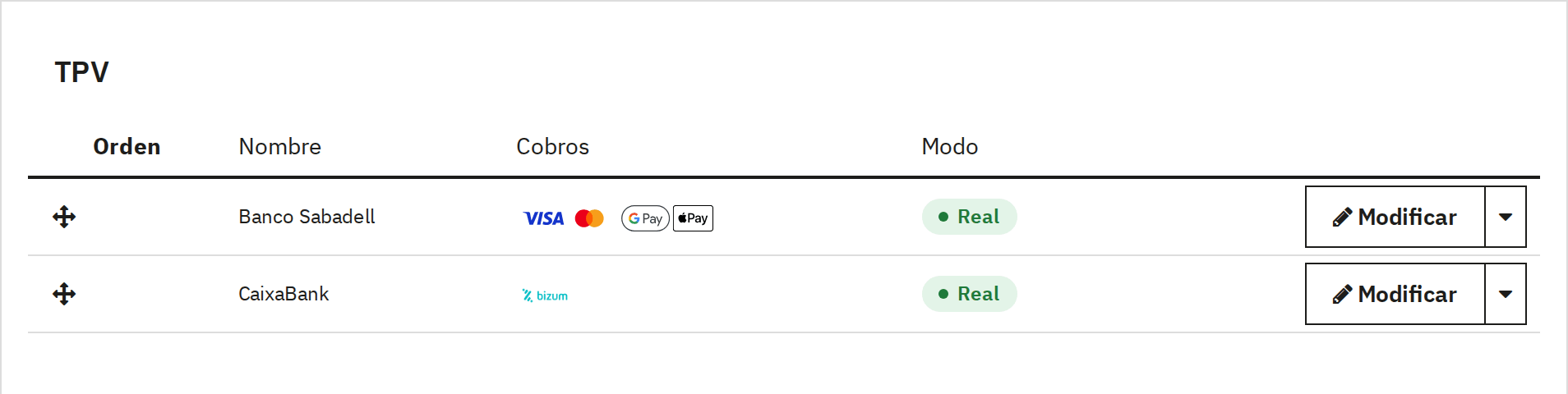
You paste the details your bank gave you once per POS, and that POS charges every method it has switched on: card, Bizum, Google Pay and Apple Pay, PayPal. You don't repeat the key for each payment method. If you work with two banks, or with one POS per shop or per country, you add them and put them in order by dragging.

By amount, country, zone, language, customer group and carrier, and without the categories or products you choose. Bizum, for example, only from €10.
The merchant name and the description your customer sees on the Redsys page and on their statement, with the shop, the cart or the customer in it.
A POS in test mode is only visible on the computers you choose, and its orders stay in “Paid in test mode”, never as really paid.

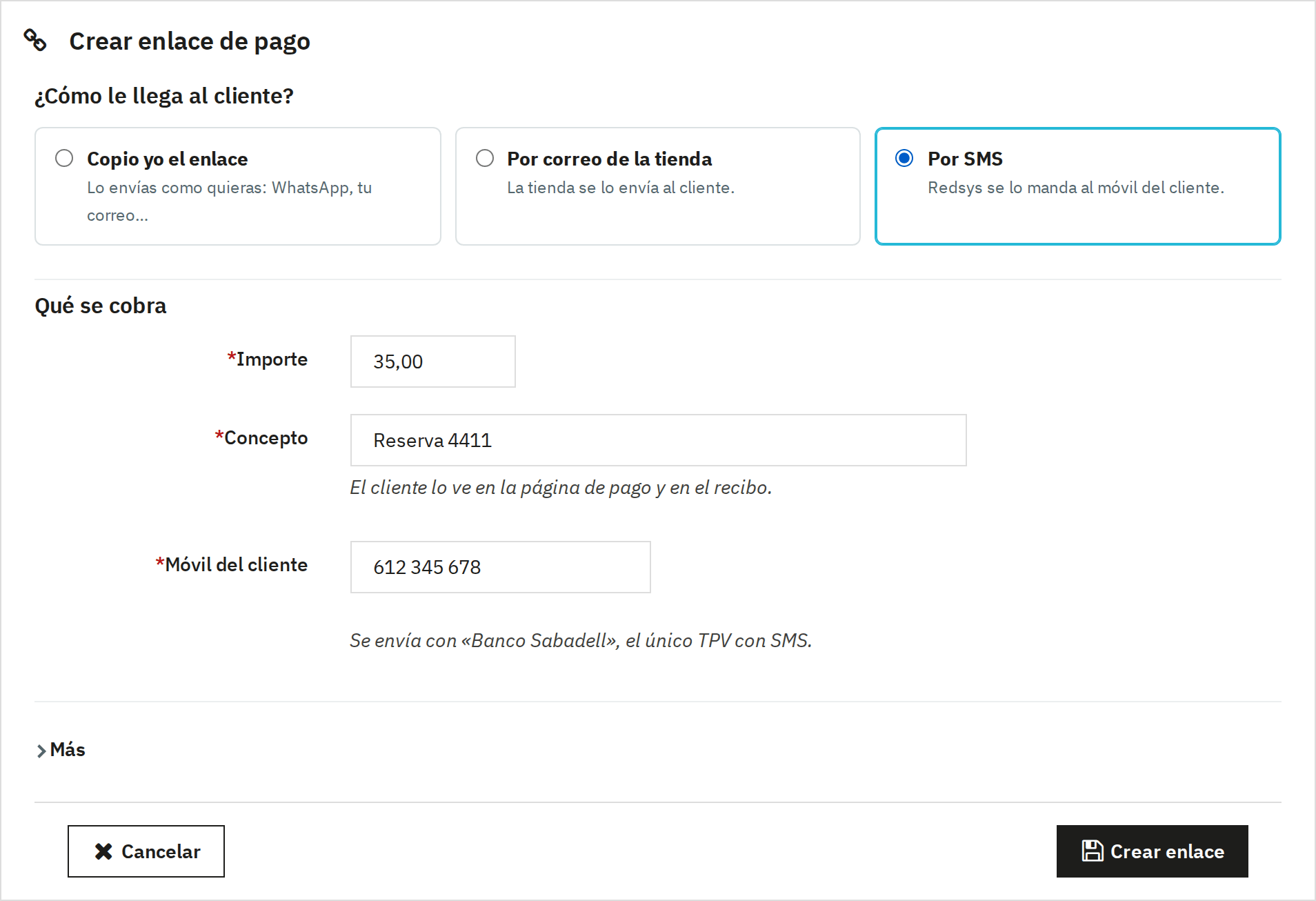
A booking over the phone, a deposit, a quote accepted by email: you create a payment link with the amount and the description, and choose how it reaches the customer. You copy it to send by WhatsApp, your shop sends it by email or Redsys texts it by SMS (Paygold, if your bank switches it on for you).

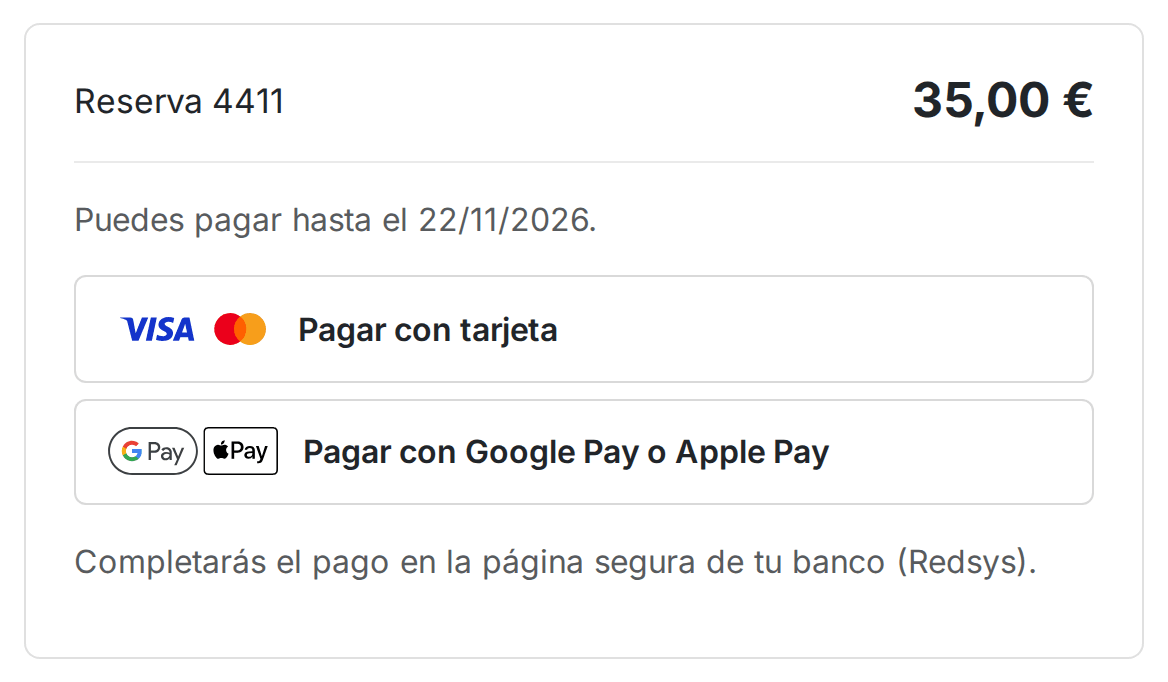
A page of your shop with the description, the amount and the date they can pay until, with the methods of your POS. The link expires when you say and you can cancel it as long as nobody has paid it.

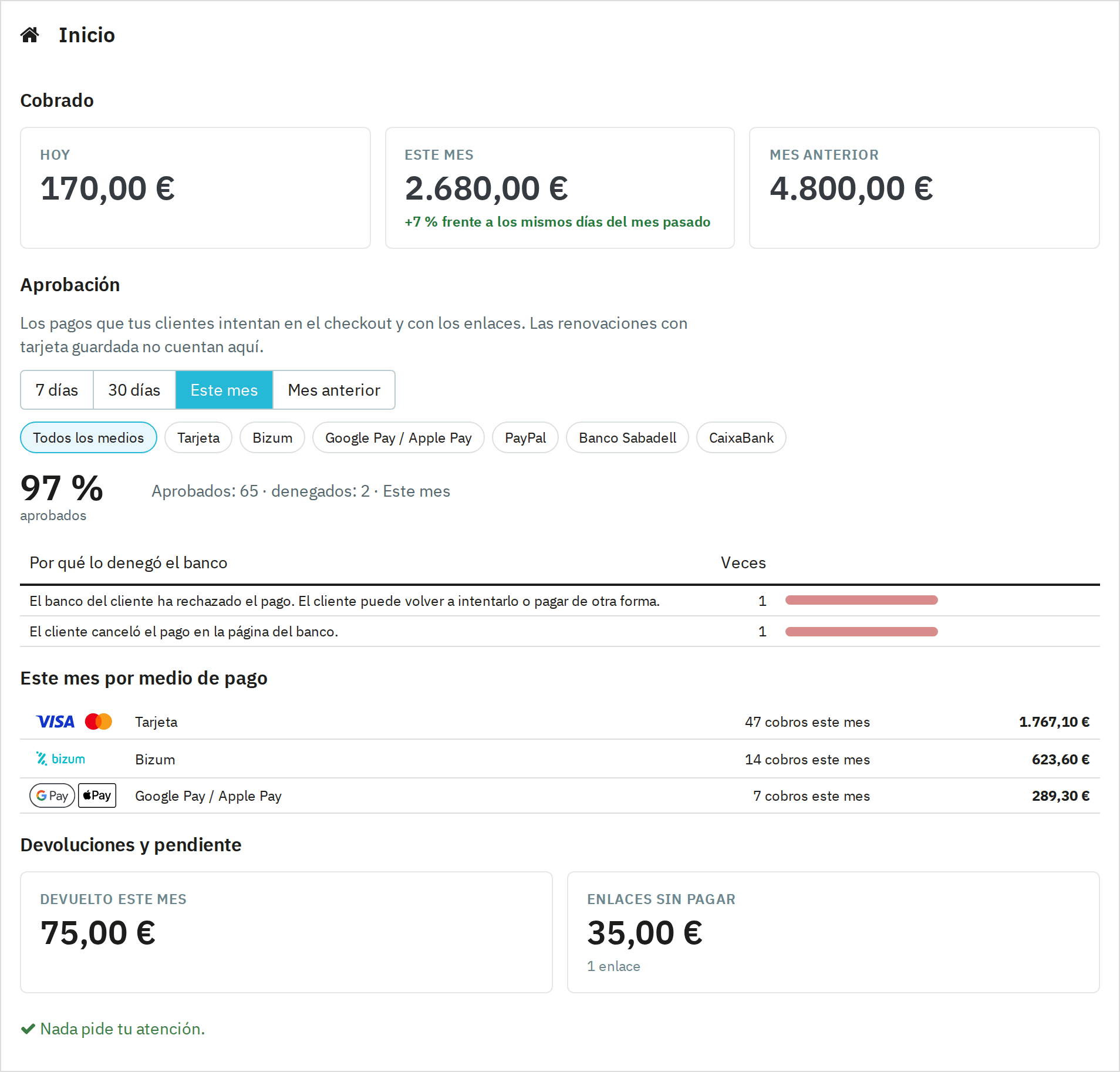
When you open Payment › Redsys you see what you have charged today, this month and last month, how many payments the bank approves and why it declines the rest, explained in shop words. Below that, what was refunded, what is authorised and waiting to be captured, and the unpaid links.

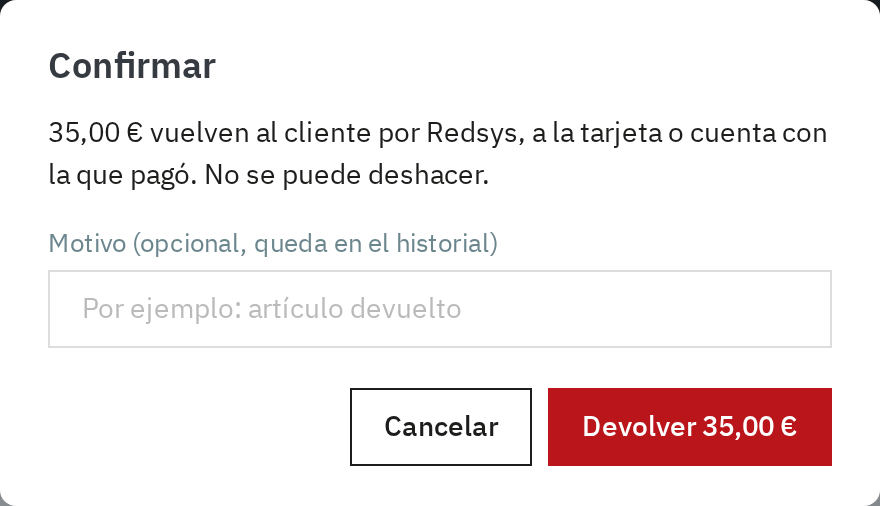
On the order page you have what was charged, what was refunded and what is left. You type the amount and click “Refund”, or “Refund all”. Before any money moves it asks you to confirm, and you can leave the reason in the history. If you prefer, the module refunds on its own when the order moves to “Canceled” or “Refunded”.

If you sell made to order, the bank holds the amount on the card and you capture it when you prepare the shipment, from the order or automatically when it moves to “Processing in progress” or “Shipped”. If you can't fulfil it, you release the hold and the customer pays nothing.
Each payment attempt, with its customer, its order, its method and its POS, with search by date and CSV export for your accountant.
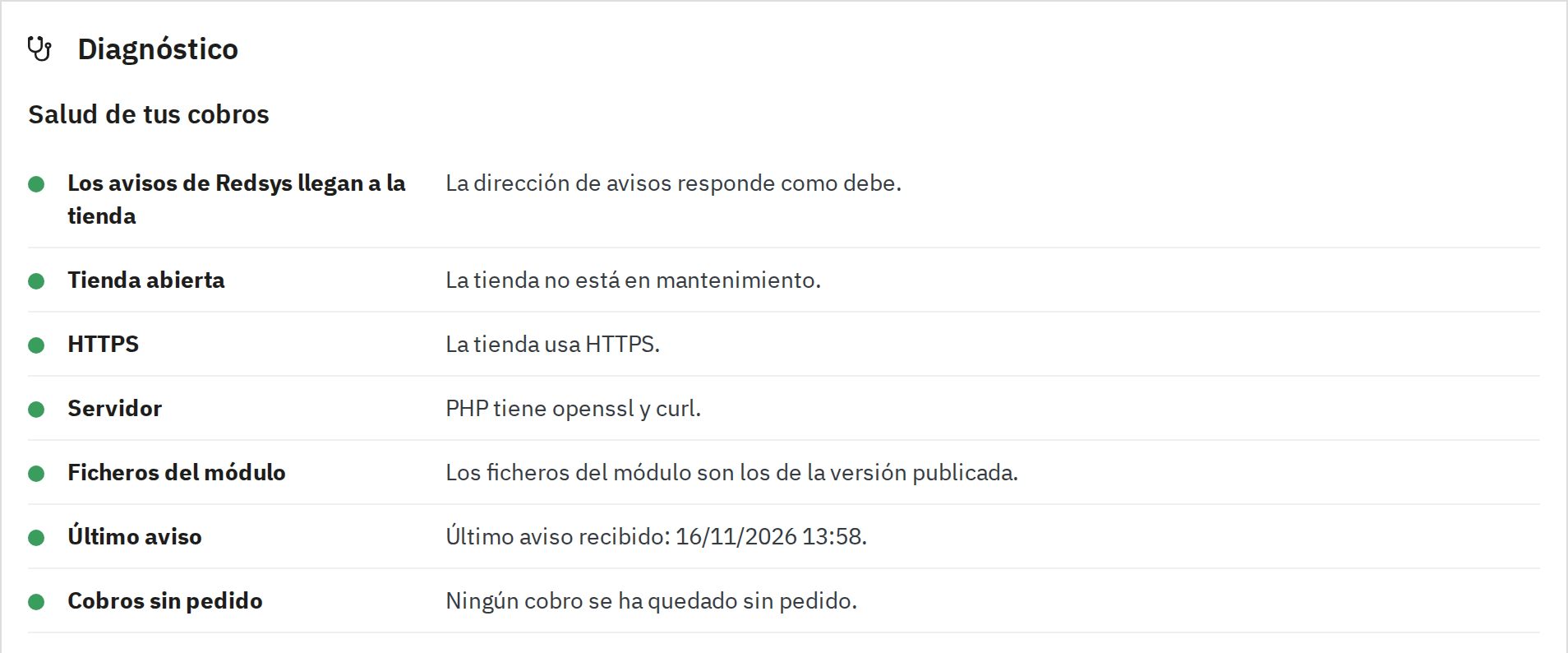
The classic POS scare: the customer paid, the bank charged and there is no order in your shop. It happens when the Redsys notification doesn't arrive, because the shop was in maintenance mode or a firewall blocked it. Diagnostics shows you with a traffic light: whether notifications arrive, whether the shop uses HTTPS, when the last notification came in and whether each POS is in test or live mode.

With our Subscriptions for PrestaShopRequires an additional BK Modules module module, your customers can also subscribe paying by card through Redsys. The card is saved in your POS and every renewal is charged on its own, without the customer there, and reaches your shop as an order.
You install the module and open Payment › Redsys. A two-step wizard asks for the details your bank gave you (merchant number, terminal and signing key), tests the connection and asks which methods your bank has switched on. When you finish, your customers already see Redsys in the payment step.
Yes, with the same module from PrestaShop 1.6.1 to 9.x and PHP 7.1 to 8.4. We have tested it end to end on 1.6.1, 1.7.5, 1.7.8, 8.1, 9.0 and 9.2, also with the one-page checkout.
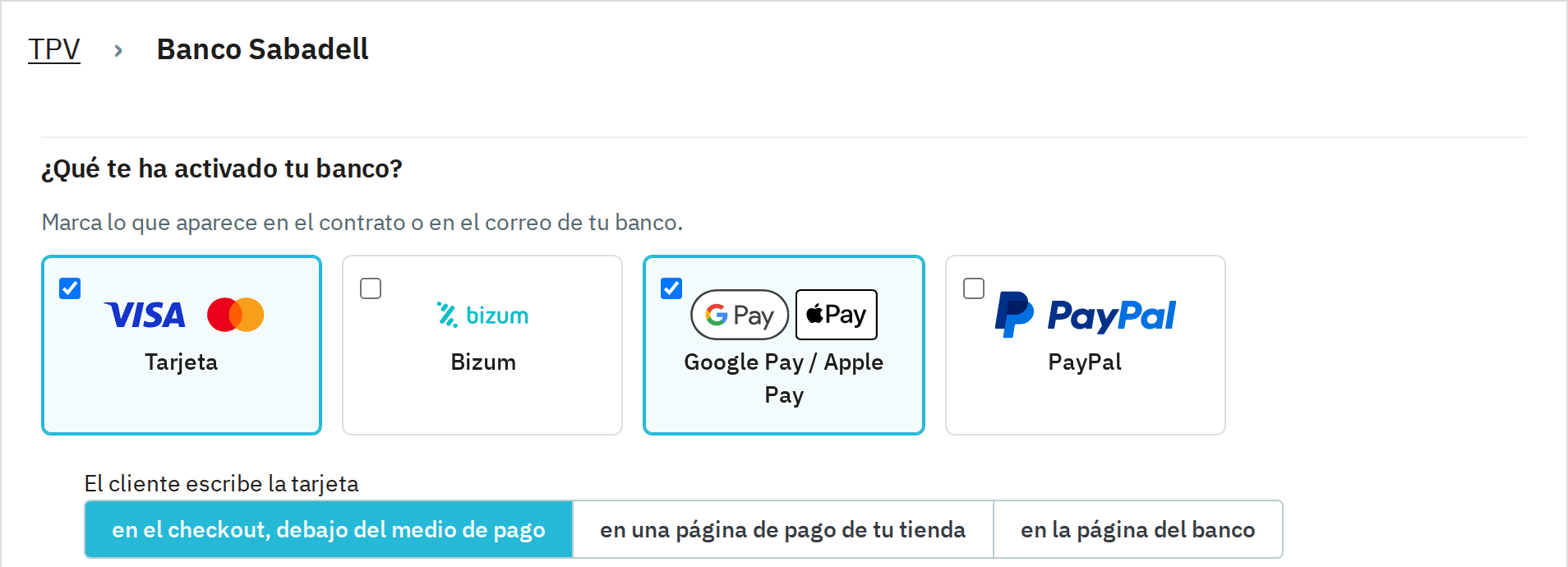
Yes, if your bank has switched Bizum on in your POS. You tick the Bizum box on that POS and it appears in the payment step with its official logo, for carts in euros.
Yes, if your bank switches them on in your POS. They appear together as a single method in the payment step, with their official logos, and your customer picks theirs on the Redsys page. You don’t need to sign up with Google or Apple.
Yes, as many as you need. Each payment method is charged by the first POS in the list that has it switched on and whose conditions match, so you can send cards to one bank and Bizum to another, or use one POS per shop. Every payment, refund and saved card always stays with its own POS.
Yes, with payment in your shop (InSite). Before going live, your bank has to register your domain for InSite; the module reminds you on the POS page. If you prefer, the card is paid on the Redsys page.
Yes, from the order page, in full or in part, with the POS that charged it. A PrestaShop refund or voucher doesn't send any money back by itself: you only refund when you click “Refund”, or when the order moves to the statuses you choose.
The module also creates the order from the signed response the customer's browser brings back, even if the Redsys notification doesn't arrive. If a payment still ends up without an order, Diagnostics finds it, emails you and lets you record it in the shop with one click.
Yes, if your bank has switched Paygold on: Redsys sends the link to your customer by SMS or email. Without Paygold, you copy the link to send it on WhatsApp, or your shop emails it. To charge for something that isn’t in the shop you also have the open payment form, where your customer types the amount; those payments have their own list and you refund them like any other.
No: the European payments rules (PSD2) forbid charging consumers a surcharge for paying by card. If you want to reward a payment method, do it with a PrestaShop cart rule.
Yes. Each screen of the module has its own permission in Advanced Parameters › Team › Permissions: each profile only sees what you let it see, and without edit permission it sees the order's payments without the buttons that move money.
No. You pay for the licence once and payments go from your POS to your account, with the fees you have agreed with your bank.

With no POS yet, the module takes you to a two-step wizard: your bank details, with “Test connection and continue”, and what your bank has switched on, with the logo of each method. You start in test mode and go live with one button when your bank gives you the live key.
Home, Charges, Payment links, POS, Settings and Diagnostics each have their own permission. Whoever handles customers can create links without seeing the bank key or touching the POS terminals, and the menu only shows them what they can open.
The email address that gets the alerts, the statuses that capture a hold or refund a payment on their own, the open payment form with its POS and the log for support. Anything your shop doesn't use doesn't appear on any screen.
Máte dotaz před nákupem? Napište nám, jaký máte obchod, a odpovíme do 24 hodin.
Zeptejte se násModul, aplikace, server, který vám dělá potíže, nebo něco naléhavého. Odpovíme do 24 hodin s pevnou nabídkou, cenou a termínem.